
Capabilities
What you can do
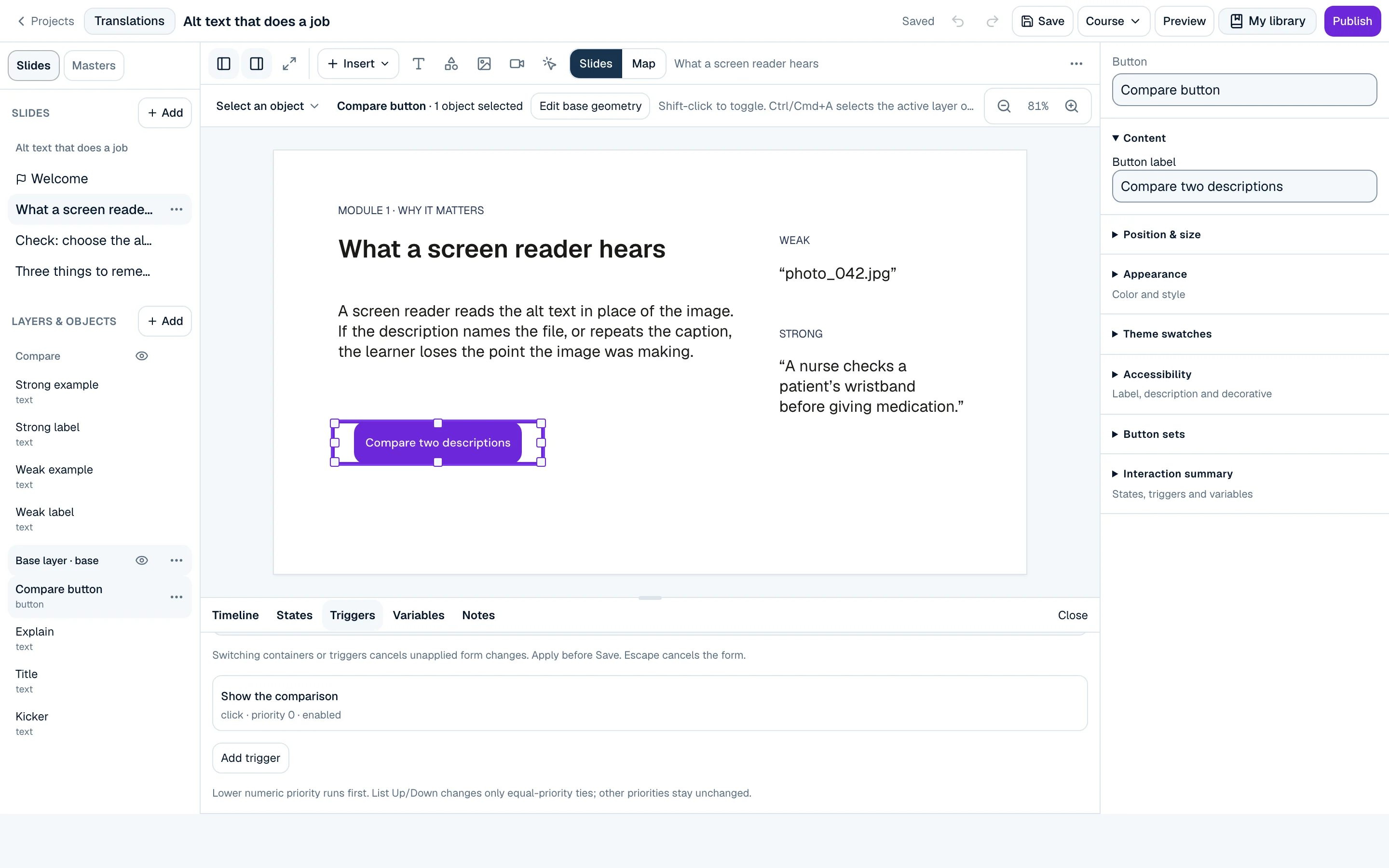
Scenes and slides
AvailableOrganise a course into scenes and slides with a slide rail.
Triggers and conditions
AvailableRun an action when a learner clicks, the timeline reaches a point or a variable changes, optionally only when conditions are met.
Variables
AvailableVariables that triggers can set, adjust and test.
Object states
AvailableBuilt-in and custom states per object, such as hover, visited and selected.
Slide layers
AvailableFeedback, hints and pop-ups as layers that show or hide over the base slide.
Timeline and animation
AvailableA timeline for each slide and layer that controls when objects enter and leave.
Masters and themes
AvailableSlide masters and layouts with course themes for colour and type.
Question slides and banks
Available22 question types (13 graded, 9 survey) with feedback layers, plus question banks.
Software simulations
AvailableSoftware simulation slides in Canvas.
Honest limits
What to know before you rely on it
- Canvas keeps authored geometry exactly. On phones the learner player keeps the slide visual and moves long text into a readable sheet.
- Authoring is desktop-first. Phones can open projects to view, not to edit.
Status and plans
- Status
- Available On in the current public release
- Source
- The shipped public release profile. This page lists only capabilities that are on today.
- Plans
- Available capabilities are in Create Free unless a limit says otherwise. See plans